Complete YouTube Guide 2026How to Start a YouTube Channel in 2026
From zero to monetized — the complete step-by-step playbook for beginners. Setup · Niche · SEO · Thumbnails · Monetization · Shorts.
720hrs
Uploaded Per Minute
Section 01 — Why Now
Why Starting a YouTube Channel in2026 Is Still Worth It
Most people think YouTube is oversaturated. The data disagrees. The opportunity for new creators has never been larger — if you approach it with the right strategy.
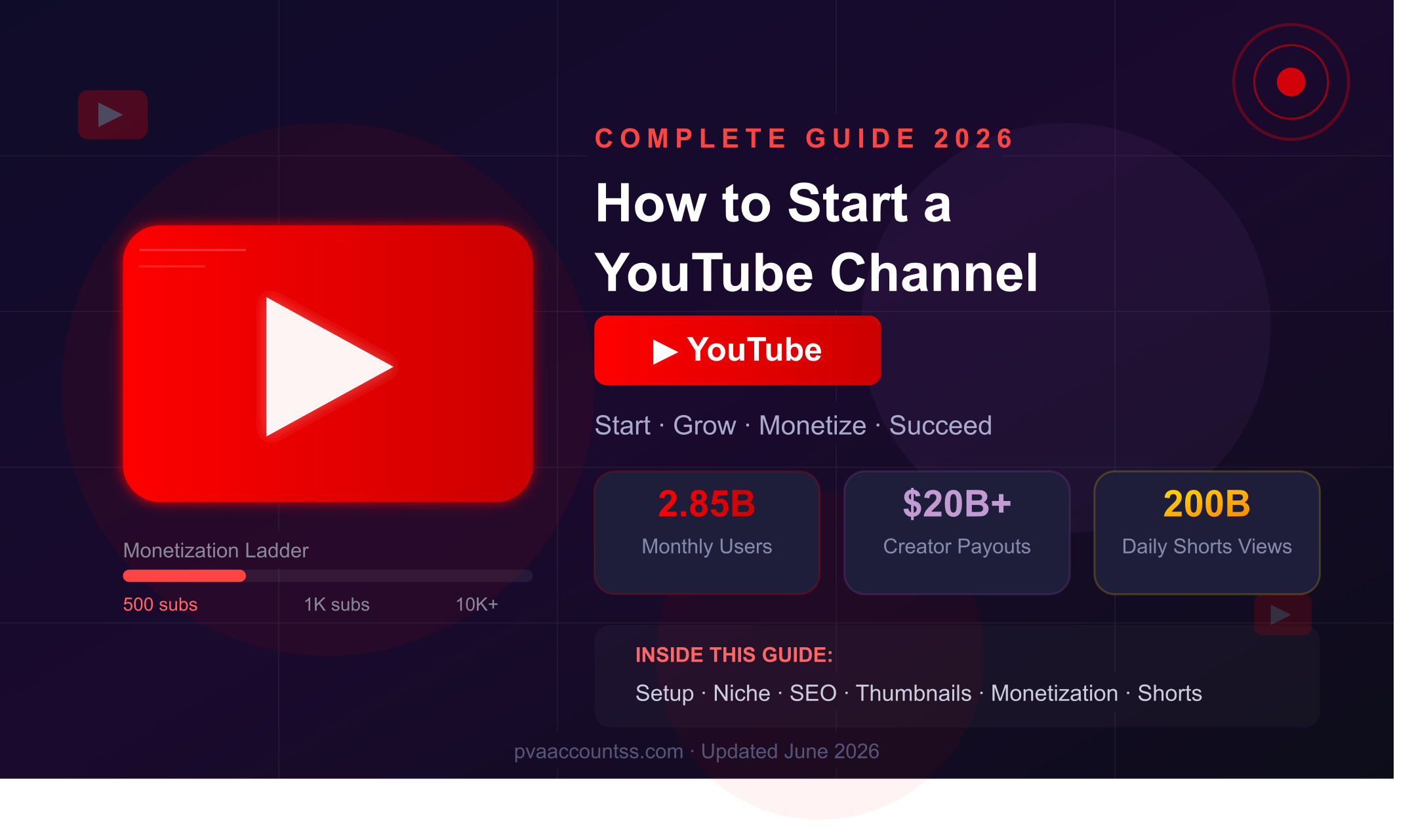
The Reality:YouTube now has 2.85 billion monthly users, pays out over $20 billion annually to creators, and YouTube Shorts generates 200 billion daily views — creating more discovery opportunities than ever before for new channels.
Massive Audience
122 million users log in daily. Your target audience is already there — waiting for content exactly like yours.
Real Income Potential
Average CPM rose 27.6% in 2026 to $6.15. Channels with 10K+ subs earn $1,000–$5,000/month median.
Shorts = Free Growth
Creators using Shorts see up to 40% more channel discovery. It’s the fastest growth tool YouTube has ever offered.
AI Levels the Field
AI tools for scripting, editing, thumbnails, and translation mean solo creators can now produce studio-quality content.
Section 02 — Setup
How to Set Up YourYouTube ChannelCorrectly
Most beginners rush through setup. Don’t. A properly optimized channel from day one gives you a massive algorithmic head start.
1
Create a Google Account & YouTube Channel
Go to
youtube.com→ Sign In → Click your profile icon → “Create a channel.” Use a
Brand Account(not personal) so multiple people can manage it and you can later change the channel name without affecting your Google account.
2
Channel Art: Profile Picture & Banner
Profile picture: 800×800px minimum, your face or logo. Banner: 2560×1440px (safe zone 1546×423px center). Use
Canvafor free. Your art should immediately communicate your niche — a cooking channel looks different from a tech channel.
3
Write a Keyword-Rich Channel Description
Your first 100–150 characters are what YouTube shows in search results. Include your main keyword naturally in the first sentence. Example: “[Channel Name] is your go-to source for [topic] — helping [target audience] to [main benefit].”
4
Add Links & Channel URL
Add your website, Instagram, and other social links. Once you reach 100 subscribers, claim your custom URL (e.g., youtube.com/@YourName). Do this immediately — your URL is part of your brand identity.
5
Create a Channel Trailer
A 60–90 second trailer that answers: Who are you? What does your channel cover? Why should they subscribe? This plays automatically for non-subscribers and dramatically improves your subscribe conversion rate on profile visits.
Section 03 — Niche Selection
How to Choose theRight Nichefor Maximum Growth
Your niche is the foundation of everything. The wrong niche means years of effort with minimal results. The right niche means the algorithm works for you, not against you.
The Niche Formula:Find the intersection of (1) what you know well, (2) what people actively search for, and (3) what has monetization potential. All three must overlap.
| Niche | Competition | CPM (Avg) | Growth Speed |
|---|
| Tech & AI | High | $8.40 | Fast |
| Finance & Business | High | $7.80 | Medium |
| Gaming | Very High | $9.20 | Fast |
| Health & Fitness | Medium | $5.20 | Fast |
| Food & Cooking | Medium | $3.80 | Fast |
| Education & Tutorials | Low-Med | $6.50 | Very Fast |
Pro Tip:Before committing to a niche, ask: “Can I make 50 videos on this topic without running out of ideas?” If yes, you’ve found your lane. Channels with a clear niche grow3x fasterthan general channels.
Section 04 — Equipment
Equipment &Tools You Actually Needin 2026
You don’t need expensive gear to start. The phone in your pocket is enough to launch. Here’s what matters at each stage.
Beginner
- Smartphone (any)
- Natural window light
- Phone tripod ($10)
- CapCut (free editor)
- Canva (thumbnails)
Intermediate
- DSLR/mirrorless camera
- Ring light or softbox
- USB microphone
- DaVinci Resolve (free)
- vidIQ / TubeBuddy
Advanced
- Sony A7 / Canon R series
- 3-point lighting setup
- Rode wireless mic
- Adobe Premiere Pro
- AI thumbnail generator
Audio > Video:Bad video with great audio = watchable. Great video with bad audio = people leave. Your microphone is the single most important equipment investment you can make as a creator.
Section 05 — SEO & Algorithm
YouTube SEO &Algorithm in 2026— How to Rank
YouTube is the world’s second-largest search engine. Videos that rank on YouTube often rank on Google too. Here’s how to optimize every video for maximum discoverability.
Keyword Research — Find What People Are Searching
Use
Google Trends, YouTube’s own search bar autocomplete, and tools like
vidIQto find keywords with high search volume and low competition. Target keywords with 1,000–50,000 monthly searches when starting out — these are winnable.
Title Optimization — Put Your Keyword First
Place your primary keyword within the first 60 characters of your title. Add a hook or benefit after: “[Primary Keyword] — [What They Get / Why Watch].” Example: “Python Tutorial for Beginners 2026 — Build Your First App in 2 Hours.”
Description — Write 250+ Words with Keywords
Put your main keyword in the first 2 sentences. Write a genuine 250–500 word description explaining what the video covers. Include timestamps, related links, and 3–5 relevant hashtags at the bottom. YouTube reads the description to understand context.
Watch Time & Retention — The #1 Ranking Factor
YouTube cares most about watch time and audience retention. Hook viewers in the first 30 seconds, deliver on your title’s promise, and eliminate dead air. 70% of YouTube’s watch time comes from algorithm-recommended videos — not search. Retention drives recommendations.
Tags — Less Is More in 2026
Use 5–8 highly relevant tags only. Include your exact title keyword, 2–3 broader niche tags, and 1–2 competitor channel names (they rank for related content). Avoid keyword stuffing — YouTube’s AI now detects and penalizes it.
Algorithm Ranking Signals — Priority Order
Section 06 — Thumbnails & Titles
Thumbnails & Titles ThatGet Clicked
Your thumbnail and title are your video’s billboard. A great video with a bad thumbnail gets ignored. A mediocre video with an irresistible thumbnail gets watched. Aim for a 5–10% CTR (click-through rate).
Thumbnail Rules
- 1280×720px minimum size
- Use a human face with clear emotion
- Max 4–5 bold words of text
- High contrast colors (yellow, red, white)
- Consistent branding across all videos
Title Formulas That Work
- How to:“How to [Goal] in [Timeframe]”
- Number:“[#] Ways to [Achieve X]”
- Year:“[Topic] Guide [Year] (Updated)”
- Mistake:“Stop [Doing This] — Do This Instead”
- Curiosity:“I Tried [X] for [Time] — Here’s What Happened”
Section 07 — YouTube Shorts
YouTube ShortsStrategy 2026— The Fastest Growth Hack
YouTube Shorts generates 200 billion daily views. For new channels, Shorts is the single fastest way to get your first 1,000 subscribers. Here’s the exact strategy.
New in 2026:You can now apply to the YouTube Partner Program with just500 subscribers + 3 million Shorts viewsin 90 days — unlocking Super Thanks, Super Chats, and memberships before you even hit 1,000 subs.
Shoot Vertical (9:16)
Shorts must be vertical format, under 3 minutes. The ideal sweet spot is 30–60 seconds. Use your smartphone in portrait mode — no special equipment needed.
Hook in 0.5 Seconds
Shorts viewers scroll even faster than TikTok. Your first half-second must be your most visually arresting frame. No intros, no “hey guys” — start in the middle of the action.
Repurpose Long-Form
Take the best 45-second clip from every long video and post it as a Short. This doubles your output with half the effort and drives traffic back to the full video.
Post Daily for 30 Days
The fastest-growing Shorts channels post 1 Short per day for their first 30 days. Batch-film 7 Shorts in one session per week. Consistency signals the algorithm to push your channel.
Section 08 — Monetization
How toMonetize Your YouTube Channelin 2026
YouTube has more monetization options in 2026 than at any point in its history. AdSense is just the beginning — the smartest creators stack multiple income streams.
The YouTube Monetization Ladder
YPP
Entry: 500 subs + 3M Shorts views or 3K watch hours
Unlocks: Super Thanks, Super Chat, Channel Memberships
1K
Full YPP: 1,000 subs + 4,000 watch hours
Unlocks: Ad Revenue (AdSense). Average $18 per 1,000 ad views.
10K
Mid-tier: 10,000+ subscribers
Unlocks: Brand deals, affiliate marketing, digital products
100K
Silver Play Button: 100,000 subscribers
Median earnings: $1,000–$5,000/month. Sponsorships kick in seriously.
AdSense
Avg CPM $6.15. Gaming $9.20, Tech $8.40, Finance $7.80. Passive income that grows with views.
Sponsorships
Average $500–$5,000 per video at 50K+ subs. Often 3–5x more than AdSense revenue.
Affiliate Marketing
Recommend products with your unique link. Can earn from day one — no subscriber minimum needed.
Digital Products
Courses, ebooks, templates, presets. 100% margin. The highest-earning creators all sell their own products.
Section 09 — Mistakes
7 MistakesThat Kill New YouTube Channels
Waiting for Perfect Equipment
Only 0.25% of channels ever reach 1,000 subscribers. Most quit before they learn the fundamentals. Start now with what you have. Equipment can be upgraded later.
Uploading Inconsistently
Channels posting 12+ times per month gain 66% more subscribers. Inconsistency signals to the algorithm that your channel is inactive. 1 video per week minimum to maintain momentum.
Ignoring Analytics
YouTube Studio tells you exactly where viewers drop off, which videos drive subscribers, and what your audience wants more of. Not reading your analytics means repeating your mistakes.
Skipping the Hook
Starting with “Hey guys, welcome back to my channel” is a death sentence. The first 30 seconds determine whether viewers stay or leave. Hook first, intro later (or never).
Copying Competitors Exactly
Study successful channels in your niche for ideas, but add your own unique angle. “Me too” channels don’t rank well. Differentiation is your only real defense against a crowded market.
No Calls to Action
Always ask viewers to like, comment, and subscribe — but be specific about why. “Like this video if it saved you time” converts 3x better than a generic “don’t forget to like.”
Section 10 — Action Plan
Your30-Day YouTube Launch Plan
Stop overthinking. Here’s your exact action plan for your first 30 days. Follow this sequence and you’ll have a fully optimized, actively growing channel by the end of the month.
Week 1: Foundation
- Create Google/YouTube account
- Choose your niche & target audience
- Design profile picture & banner
- Write keyword-rich description
- Research 20 video topic ideas
Week 2: First Videos
- Film & edit your channel trailer
- Upload 3 long-form videos
- Optimize every title & description
- Create custom thumbnails
- Post 7 Shorts (1 per day)
Week 3: Optimize
- Check YouTube Analytics
- Identify highest-retention video
- Make 2 more videos on that topic
- Respond to every comment
- Continue daily Shorts
Week 4: Scale
- Batch-film next month’s content
- Set up affiliate links
- Cross-promote on Instagram/TikTok
- Find 1 collab opportunity
- Review & set 60-day goals
Related Articles You’ll Love
YouTubeTips2026StartYouTubeChannelYouTubeSEOYouTubeShortsYouTubeMonetizationContentCreatorYouTubeAlgorithmMakeMoneyYouTube
Ready to Start Your Channel?
Every successful YouTuber started with zero subscribers and no idea what they were doing.
The only difference between them and you is that they started. Start today.
2026 Complete YouTube Guide · pvaaccountss.com · Sources: SQ Magazine, AutoFaceless, TubeAnalytics, ZipDo · Updated June 2026


Comments (0)
No comments yet. Be the first!